You've been approved as a tester — thank you! Follow these three steps on your Android phone. It takes about two minutes, and you can't find the app by searching the Play Store, so use the button below.
Android only. Open this on the phone where you'll use the app.
Here's exactly what you'll see along the way, so you know you're in the right place.
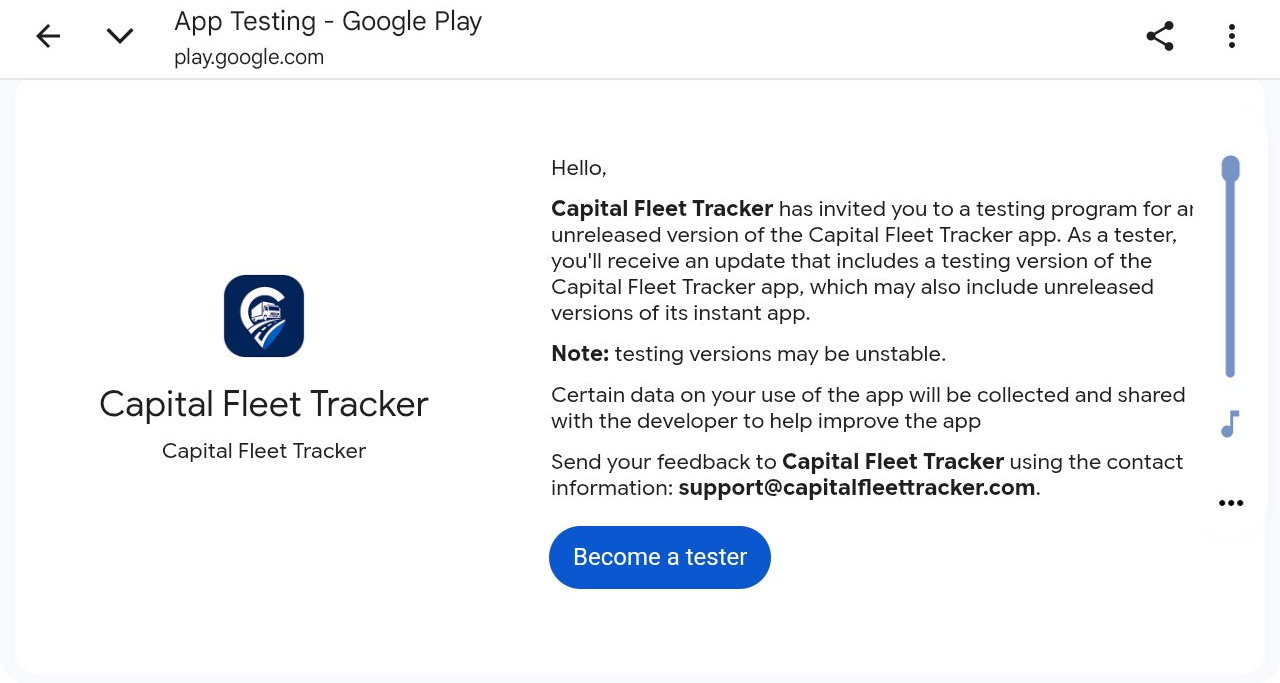
Tap Open the tester invite above, then tap Become a tester and accept with your Google account.
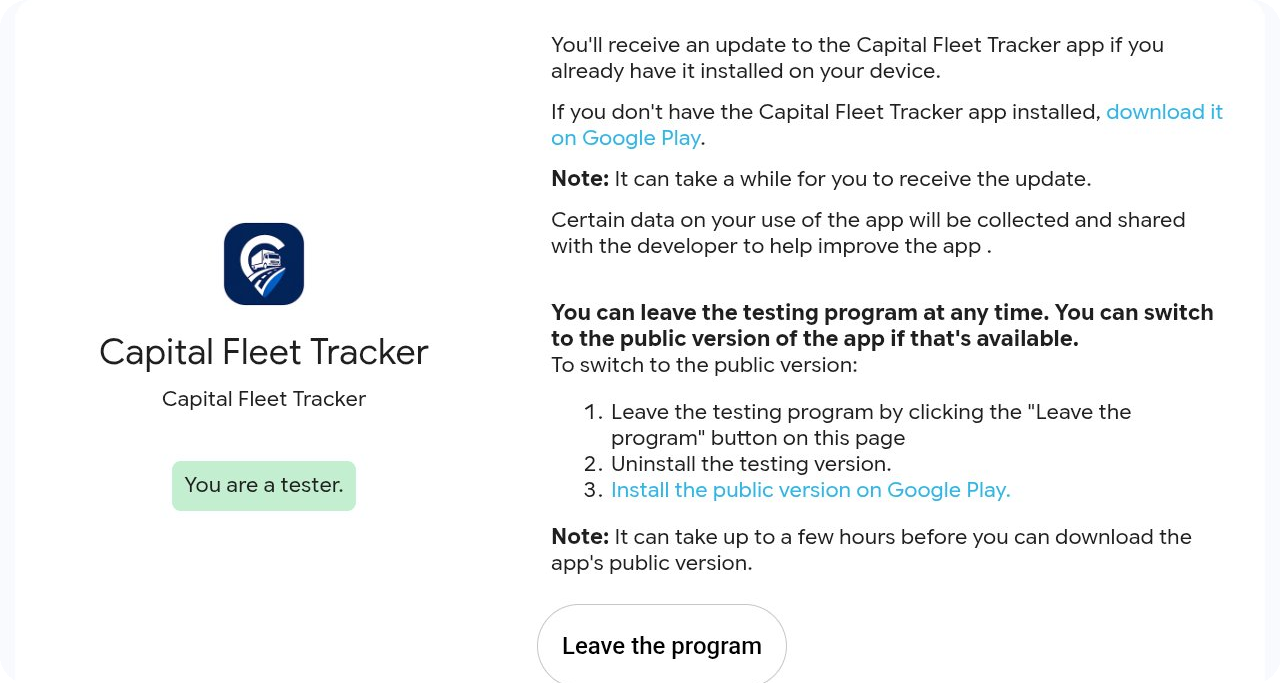
You'll see a "You are a tester" confirmation. It can take a few minutes to activate — if the app isn't available yet, wait a bit and refresh.
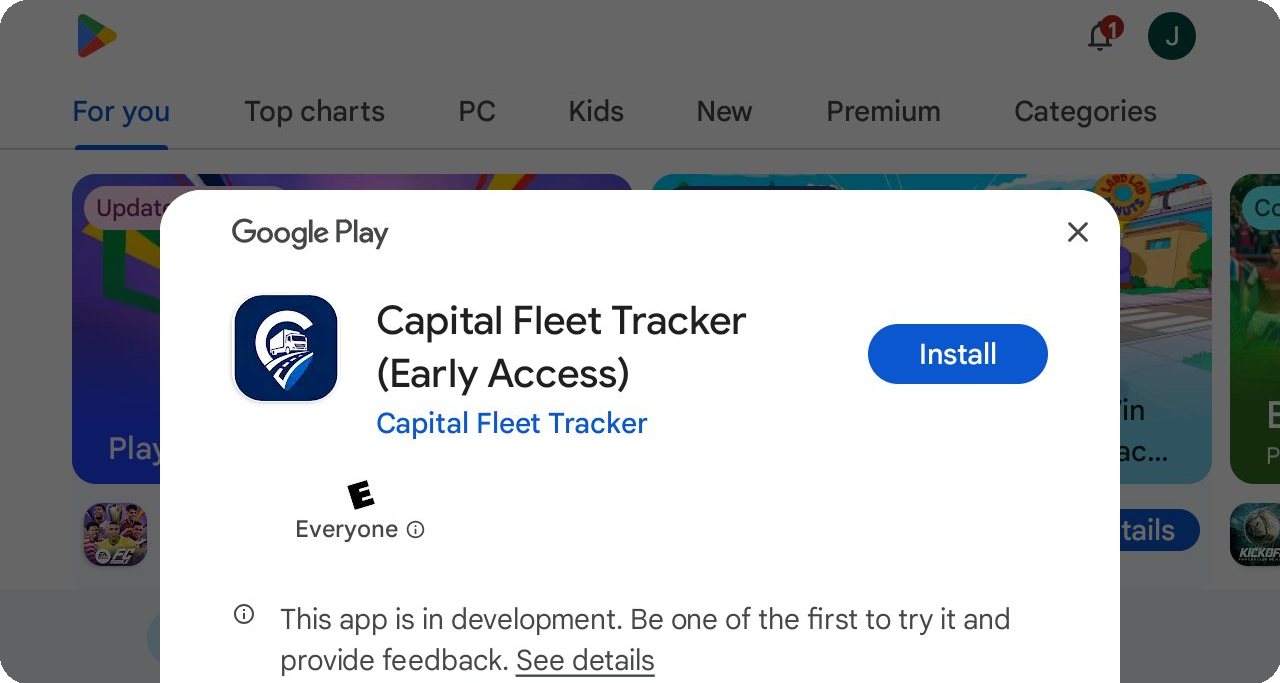
Tap Install on Google Play to download Capital Fleet Tracker (Early Access).
Once the app is installed, open it and sign up. You can also create your account here on the web — it works for both the app and the website, so you only sign up once.
Create your accountIf the install link says the app isn't available, give it a few minutes and refresh — access can take a little while to activate after you opt in. Still stuck? Email support@capitalfleettracker.com and we'll sort it out.